





Empire Launcher
All your empires. One launcher.
Download, update and play every Empire game from one place — free.
Get started
Download the launcher.
- 01Download and run the installer.
- 02Create your free Empire account.
- 03Add a game to your library, install it and press Play.
Windows may show a SmartScreen notice the first time, because the launcher is new: choose More info, then Run anyway. A macOS version will follow.

Why a launcher
Everything in one place.
- 01
One free account. Sign up once and every Empire game lives in the same library — on any of your PCs.
- 02
Always up to date. Updates download in the background, and only the files that changed.
- 03
Play offline. Once a game is installed, you can keep playing without a connection for up to a week.
- 04
Your saves stay safe. Updates, repairs and uninstalls never touch your saves and settings.
- 05
Verified files. Every file is checked after download. One click repairs a damaged install.
- 06
Pick your channel. Stay on stable releases, or join the beta to play new builds first.
In the launcher
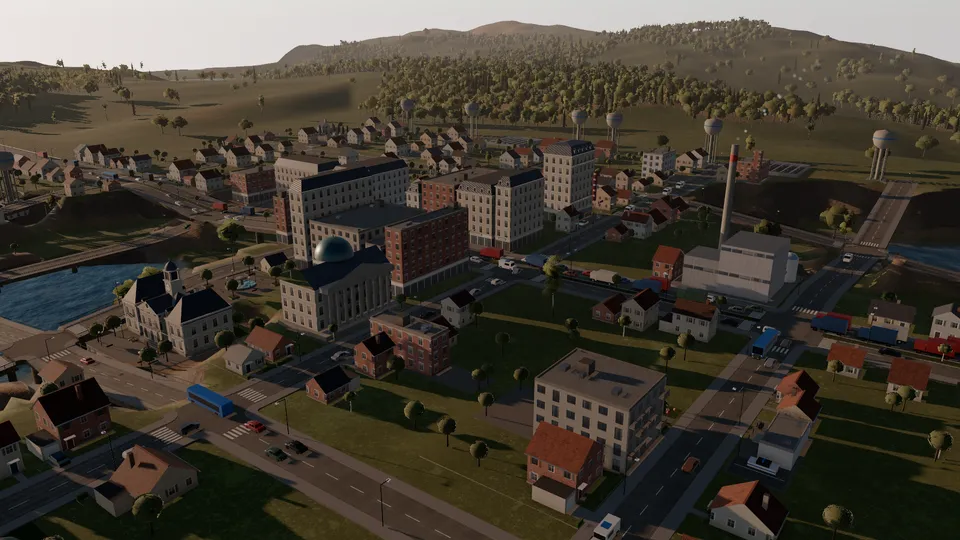
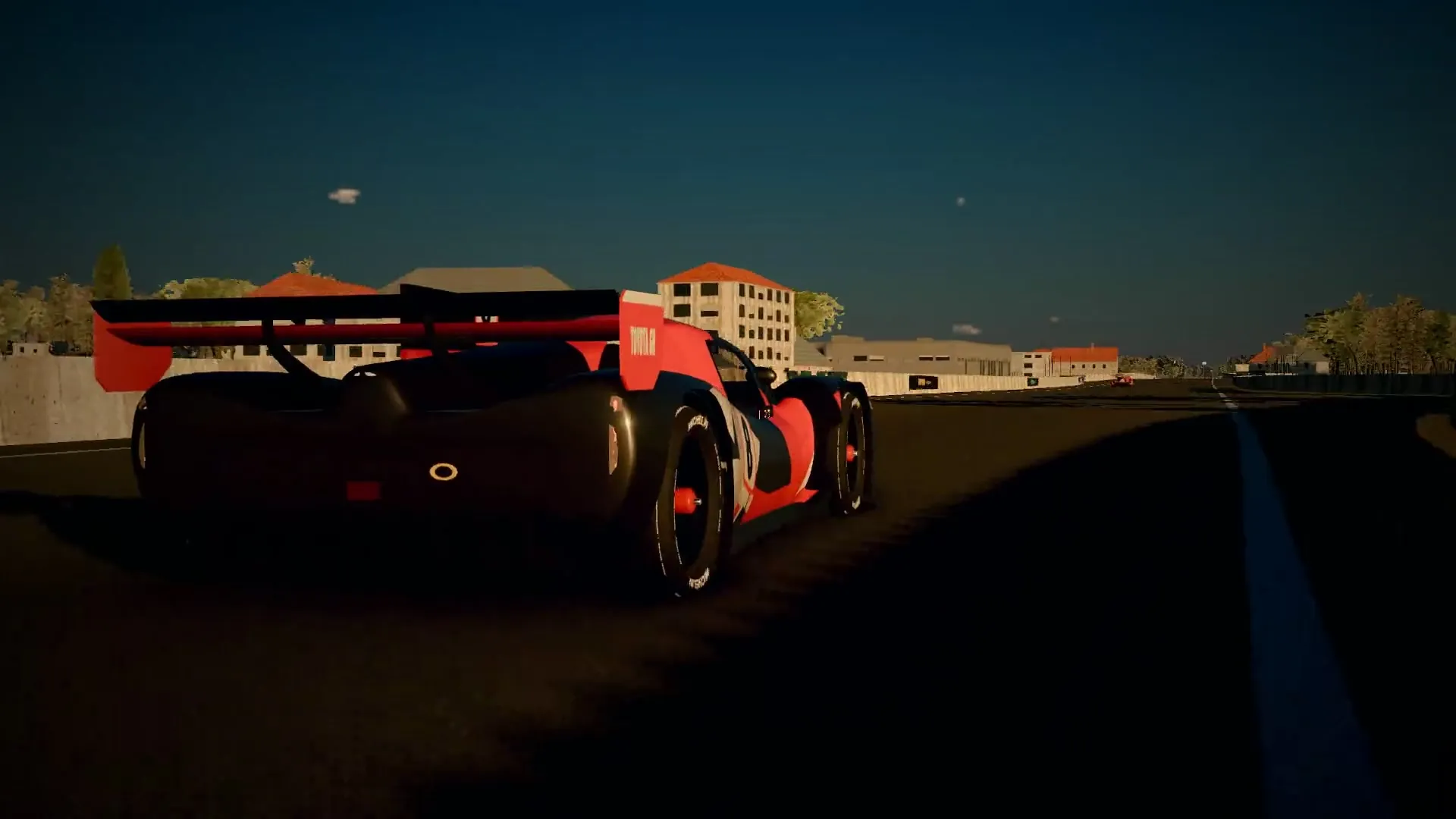
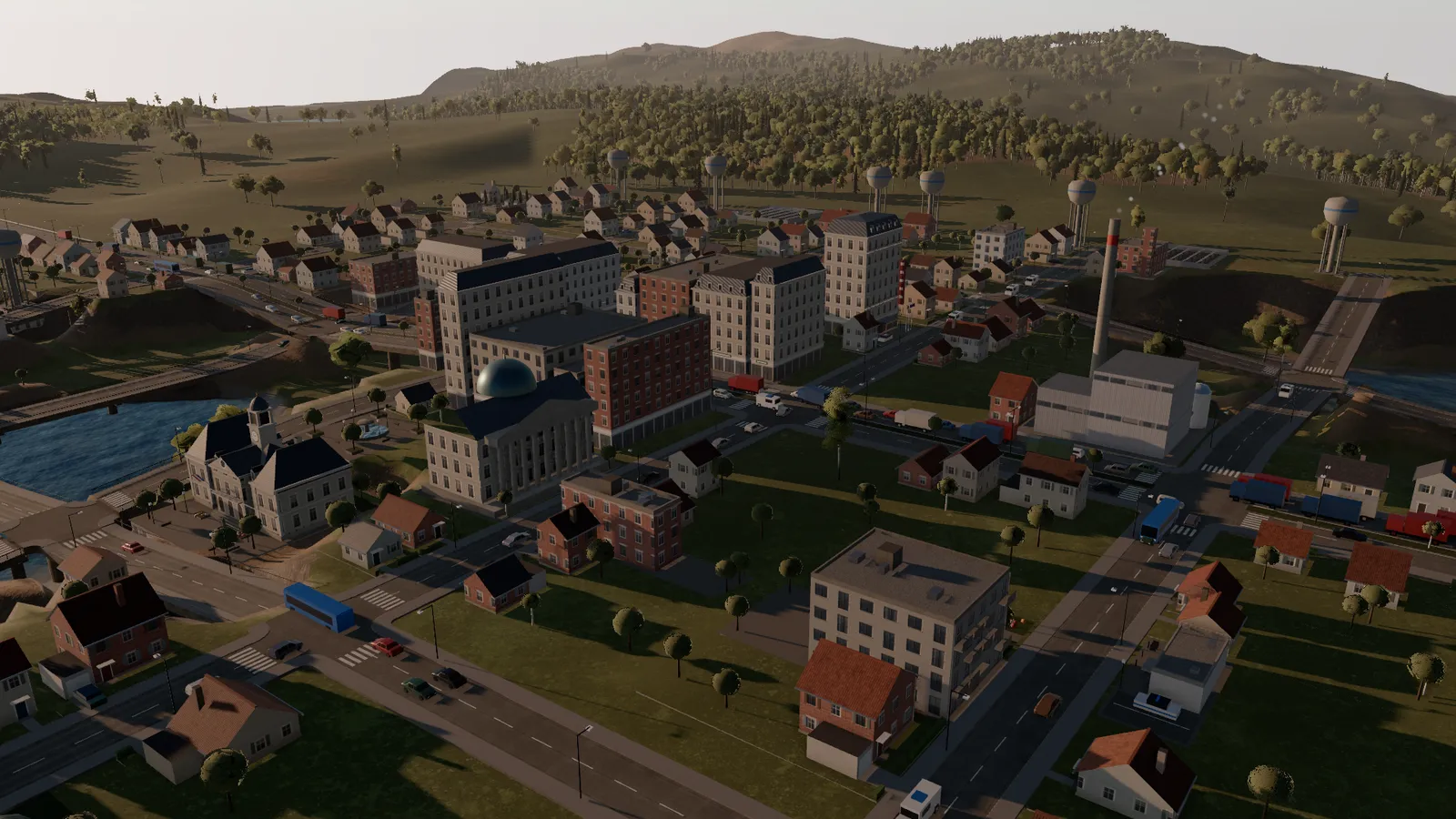
Three worlds. One library.

Be first in line.
New builds, release dates and behind-the-scenes. Only what matters — no spam.